

 Français
 Español
 Deutsch
 Português
 Italiano
 한국어
 日本語
 中文
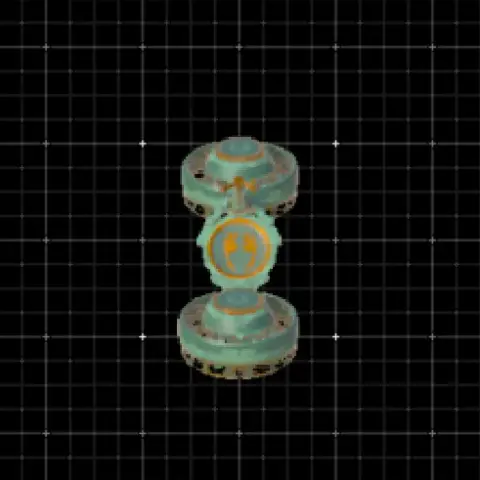
 9Old Faithful (Flying Bike)Built with 2 fans + 1 steering stick = pure freedom Fly over Hyrule like a boss, skip climbing, ignore gravity, and pretend stamina isn’t real. Perfect for travel, exploration, fl…
🔥 117
Autobuild rebuilds a vehicle or device in seconds in Zelda: Tears of the Kingdom, without placing each part by hand. This guide explains where to unlock it, what it costs, and how to load a build from a QR code.
Autobuild recreates something you already built, or a schematic you found. It uses the right parts lying nearby first. If parts are missing, Zonaite creates them for you, so you can build far from any material.
Autobuild is not on the Great Sky Island: you get it in the Depths. Go to the Great Abandoned Central Mine, then restore the Steward Construct there with your right arm. The quick route is the North Chasm on the Great Plateau, which drops you close to the mine. The story also leads you there.
The cost depends on how many parts are missing: the more parts the game has to create, the more Zonaite you spend. Parts lying nearby lower the bill. Parts created with Zonaite look green, and they are destroyed if they leave the build. Every build page on this site shows its cost, and the cheapest builds list starts with the lowest.
Your recent creations appear in the Autobuild History. Mark a build as a favorite to keep it. Schematics are premade designs you collect during the game, and the first one is the Fanplane.
Browsing on your phone? Save the QR image, then pick it from your gallery at step 3. Ready to try one? Open all the QR codes.
9Old Faithful (Flying Bike)Built with 2 fans + 1 steering stick = pure freedom Fly over Hyrule like a boss, skip climbing, ignore gravity, and pretend stamina isn’t real. Perfect for travel, exploration, fl…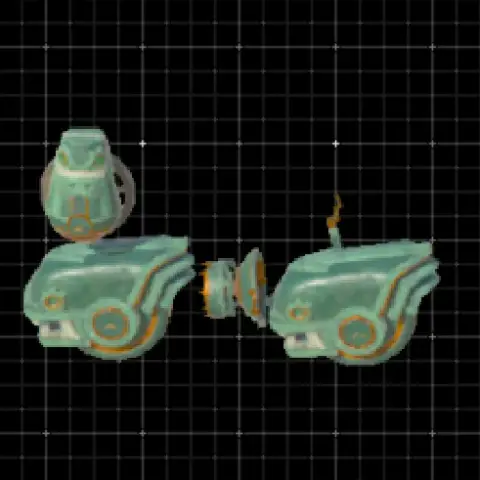 18Eponator OneCheap and effectice way to travel the surface area. Works great on small to medium hills as well.
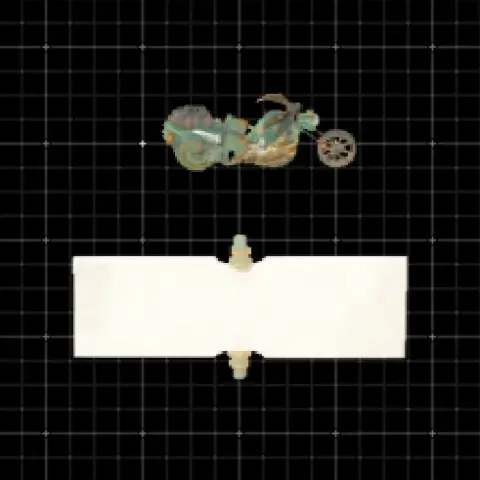 63Hyruley Davidsonvideo : https://www.youtube.com/watch?v=_KVz4JwxLcs This is the second build for distributing QR codes, and the video for distributing that QR code. The second build is a build in…
 Tested OK9Perfect Hoverbike(Air Bike)Perfectly Balanced Hoverbike
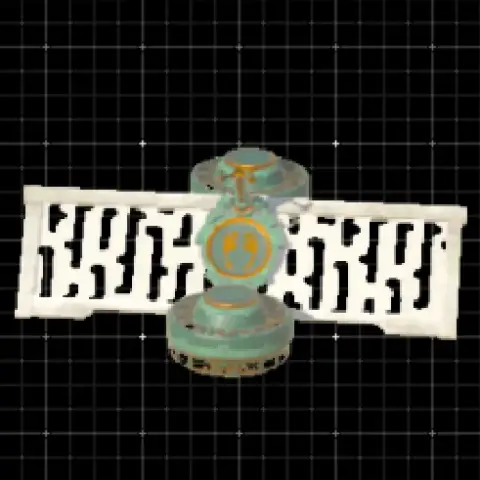 12Light AirbikeThe best way to travel for 12 Zonaite. Super lightweight due to the added rail of the Construct Factory. Flies straight and controls great. Enjoy!
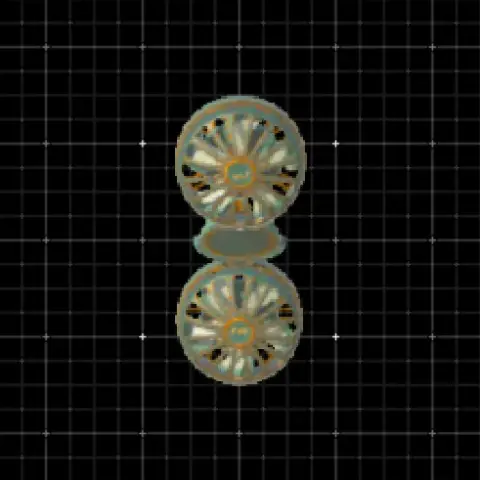 9PERFECTLY Straight HoverbikePerfectly straight hoverbike, as seen in my YouTube video (https://www.youtube.com/watch?v=egymYG41RSU ). Perfect for traveling between Sky Islands (or pretty much anywhere other…
In the Depths, at the Great Abandoned Central Mine, from the Steward Construct.
Yes, Autobuild is part of the game on both consoles. Only QR code sharing needs the Nintendo Switch 2 Edition.
No. Nintendo says a membership is not required for Zelda Notes.
Yes, if all the parts of the design are nearby. Zonaite only replaces the parts that are missing.