

 Français
 Español
 Deutsch
 Português
 Italiano
 한국어
한국어 日本語
日本語 中文
中文
PERFECTLY Straight Hoverbike
by JMurrinYT · 8 months ago · 👁 1,923 views
✓ QR downloaded Zelda games on cartridge →
 9 Zonaite Flying machine
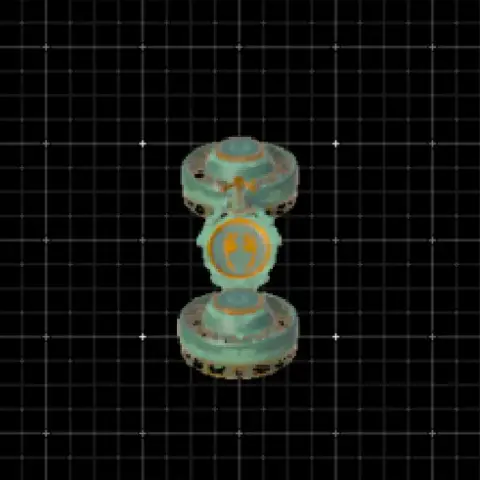
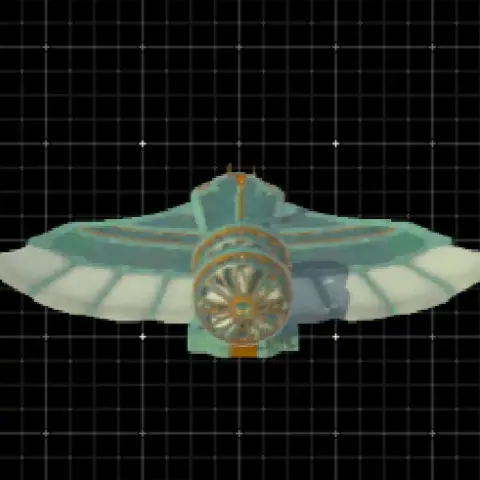
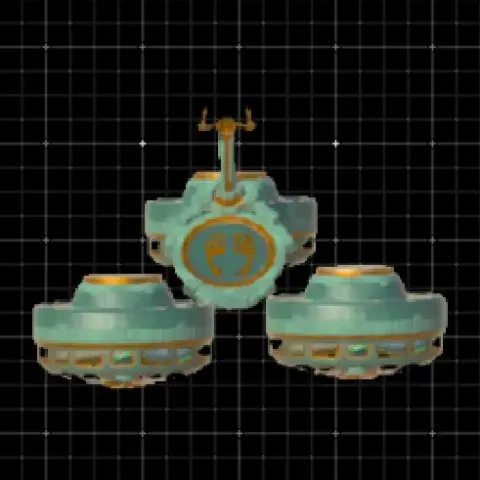
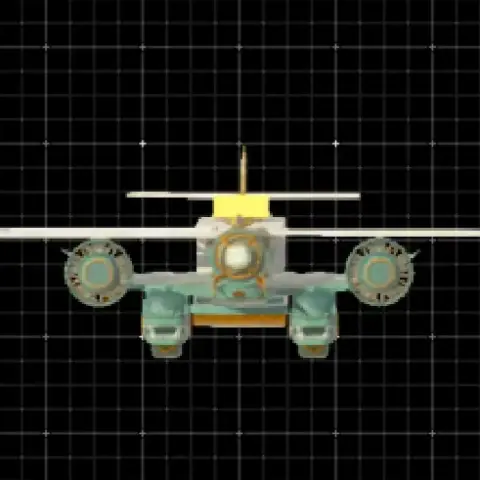
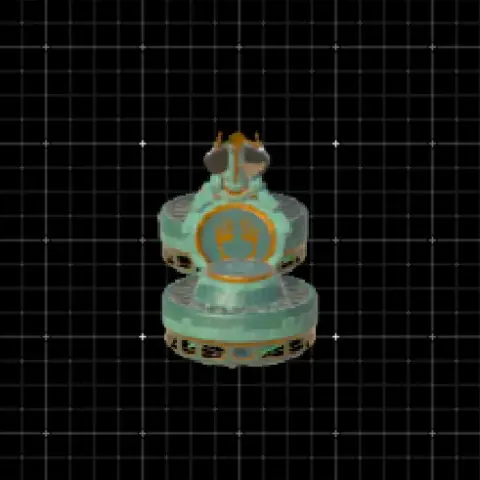
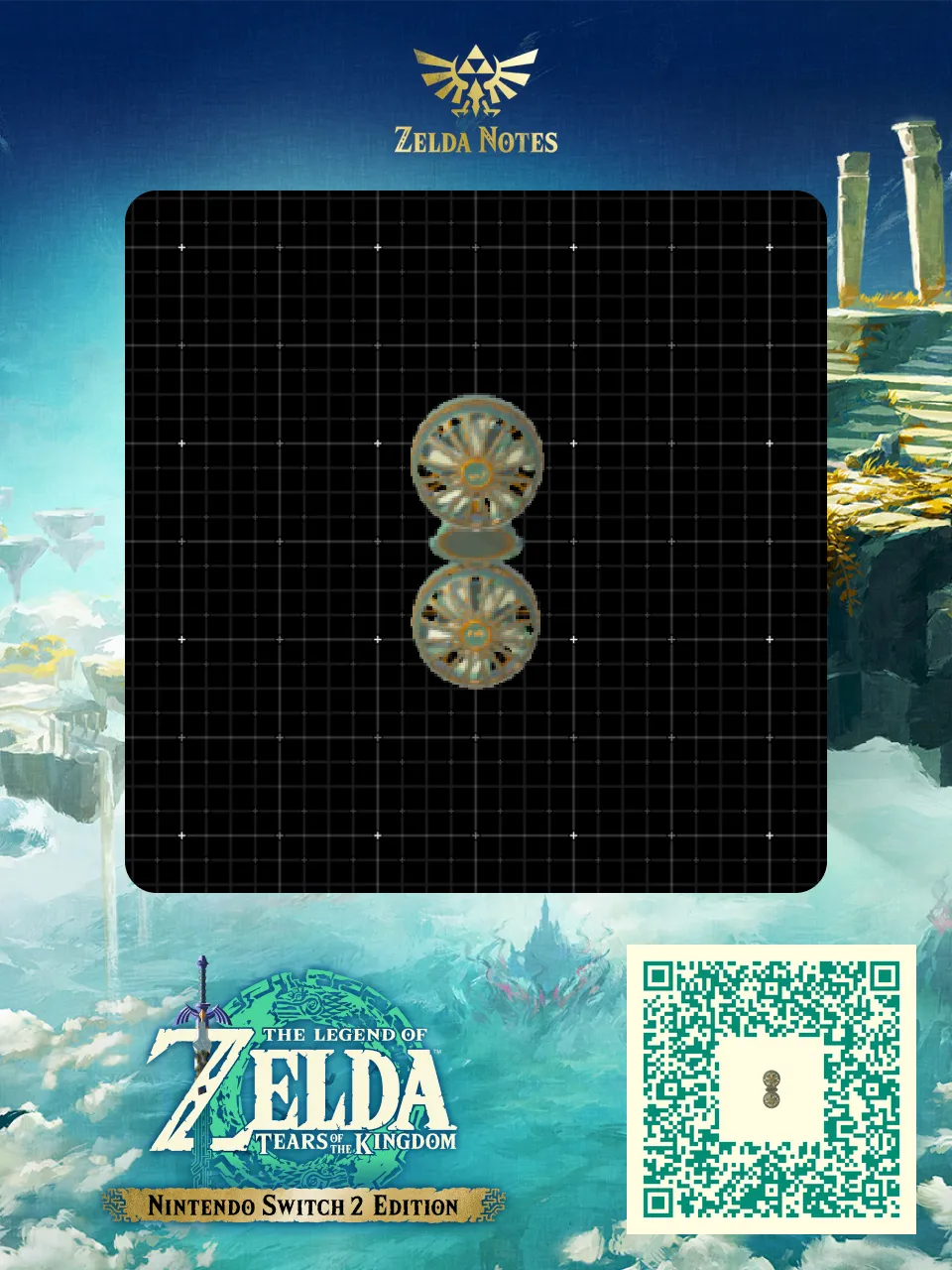
 Perfectly straight hoverbike, as seen in my YouTube video (https://www.youtube.com/watch?v=egymYG41RSU ). Perfect for traveling between Sky Islands (or pretty much anywhere other than the most cramped caves). Thoroughly tested to ensure no leftward or rightward drift in the vehicle's recall trail, although it does automatically gain vertical height when left unattended in the neutral position. (Unlike certain other "straight-flying" hoverbikes, which do have this issue for some reason, mine can seamlessly dip in and out of water without becoming unbalanced, although this is a minor consideration and common even in many hoverbikes with severe drift.) (This is a back-up QR code that I had saved to my brother Scott's TotK profile before deciding to overwrite my own play data, which caused the QR code seen in the video to no longer work. However, it works every bit as well as the original QR code.) Just 9 Zonaite!


Comments