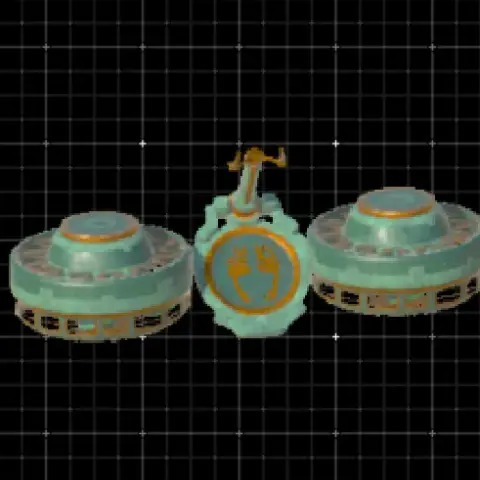
#flying#weapon#pulse#vehicle#transport#zhujzal#fun#amphibious#transform#boat#infinite#fast

🚁 Best Hoverbikes in Zelda TOTK

The best hoverbike AutoBuild QR codes for Zelda: Tears of the Kingdom. Scan one, build it instantly, and fly over Hyrule without crafting it from scratch.

Our picks

Old Faithful (Flying Bike)

#1 Old Faithful (Flying Bike)

9 Zonaite 👁 24,517

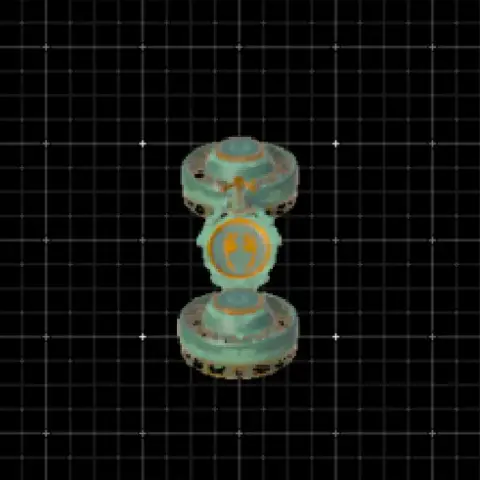
The classic TOTK hoverbike and the most viewed build on the site. Just 2 fans + 1 steering stick: cheap, fast, stable, and it works everywhere. Perfect for beginners and veterans alike.

Best for: general exploration, Sky Islands, crossing the map quickly.

📥 Get the QR code
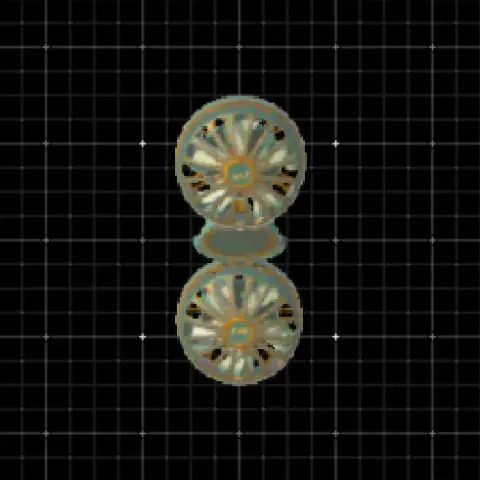
PERFECTLY Straight Hoverbike

#2 PERFECTLY Straight Hoverbike

9 Zonaite 👁 1,934

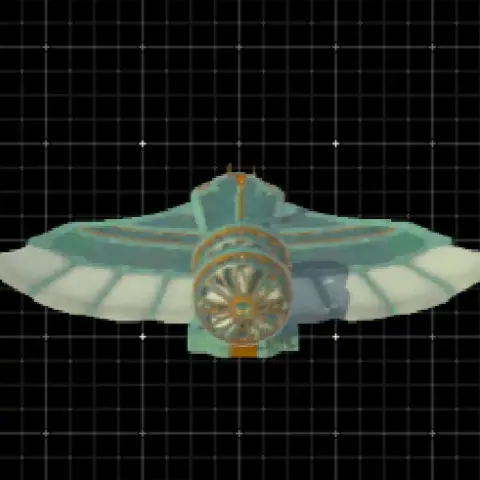
If your hoverbike drifts left or right, this one is for you: it is built to fly in a perfectly straight line, which makes long trips across Hyrule much easier. Same low cost as the classic.

Best for: long-distance travel without drift.

📥 Get the QR code
Flying Explorer

#3 Flying Explorer

3 Zonaite 👁 1,309

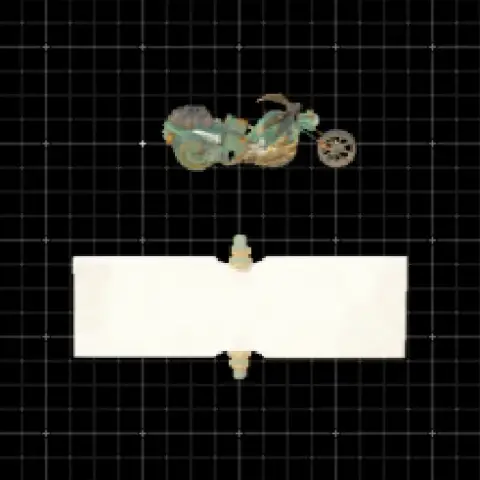
The cheapest flying build of this list. A motorbike-style flyer that lets you rebuild again and again without burning through Zonaite.

Best for: budget runs, early game, farming routes.

📥 Get the QR code
Infinite Wing

#4 Infinite Wing

15 Zonaite 👁 14,644

A wing made with a special out-of-game method that gives it infinite durability: it never breaks. Infinite wings normally cannot be saved as AutoBuilds; this QR code is the exception.

Best for: players who want a flying machine that lasts forever.

📥 Get the QR code

What is a hoverbike in TOTK?

A hoverbike is the most iconic AutoBuild creation in the game. Usually built with 2 fans and 1 steering stick, it lets Link fly over mountains, enemies and terrain. It is the go-to vehicle for exploration, especially for the Sky Islands and the Depths. With AutoBuild, you can rebuild it anywhere as long as you have enough Zonaite.

Top Best Hoverbikes in Zelda TOTK

See all →

Tips for flying your hoverbike

Carry extra Large Zonaite so you can rebuild mid-flight if the bike breaks. Fly at medium altitude: too high and you lose your landmarks, too low and you hit the terrain. In a fight, jump off mid-air, shoot with your bow in slow motion, then land back on the bike.

How to use these AutoBuild QR codes

  1. Unlock the AutoBuild ability on the Great Sky Island, early in the game.
  2. Open a build and scan its QR code with Zelda Notes in the Nintendo Switch Online app.
  3. In game, open AutoBuild, pick the blueprint and confirm.
  4. Make sure you carry enough Zonaite: the cost is shown on every card.

Frequently asked questions

What is the cheapest hoverbike in TOTK?

The cheapest flying builds of the collection cost only a few Zonaite: see the picks above and the cheapest builds guide.

What is the best hoverbike for exploration?

The classic 2-fan hoverbike at the top of this page: cheap, stable and fast, it is the community favourite to cross the map or reach the Sky Islands.

Can I use AutoBuild QR codes without unlocking AutoBuild?

No. You first need the AutoBuild ability, unlocked on the Great Sky Island at the start of the game.

Zelda games on cartridgeOcarina of Time returns on Switch 2: pre-order the boxed edition and keep your games for good.See the shop

More TOTK guides

Got a build the community should see? The best ones end up in these guides. Share a QR →