

 Français
 Español
 Deutsch
 Português
 Italiano
 한국어
 日本語
 中文

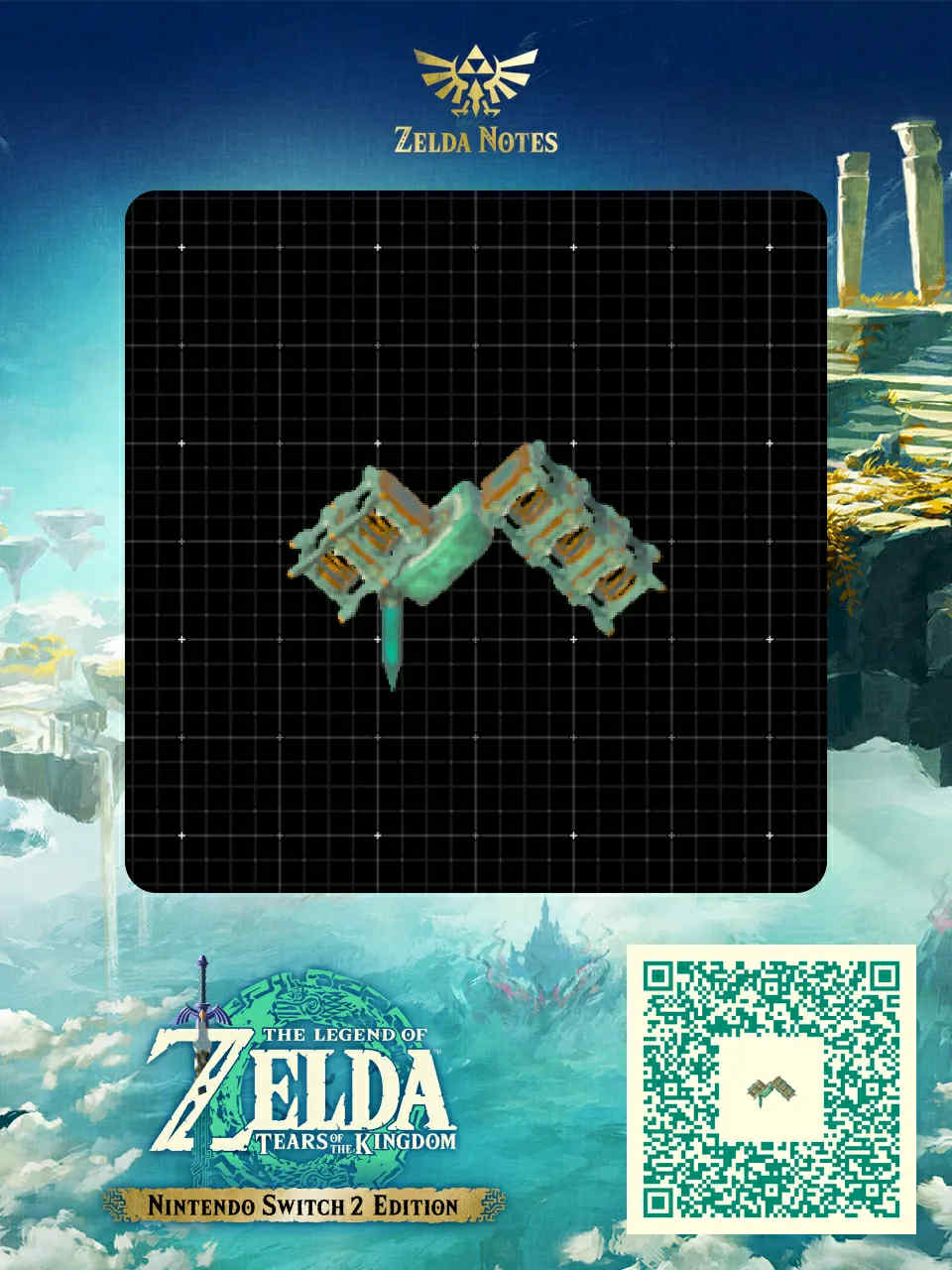
Portable Skyview Tower
by chili_pat · 1 year ago · 👁 2,423 views
✓ QR downloaded Zelda games on cartridge →
 21 Zonaite
Did you test it?
What went wrong?
Many players say this one does not work.
Not tested enough yet. Be one of the first!
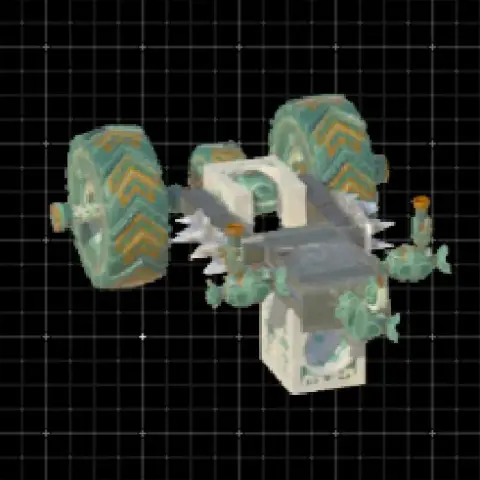
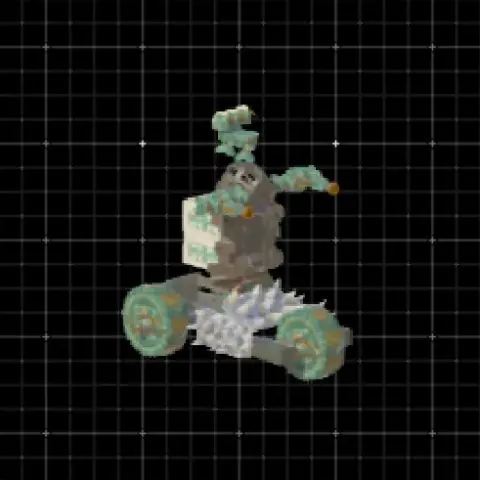
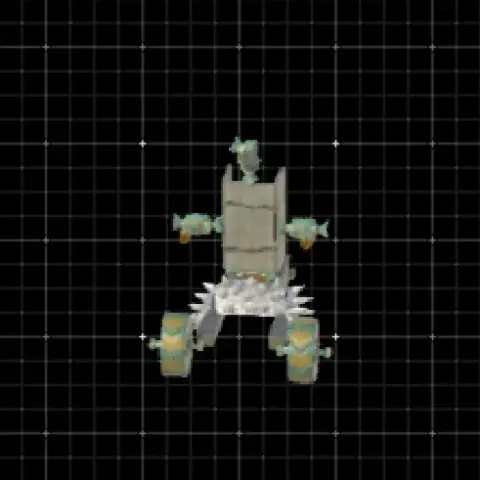
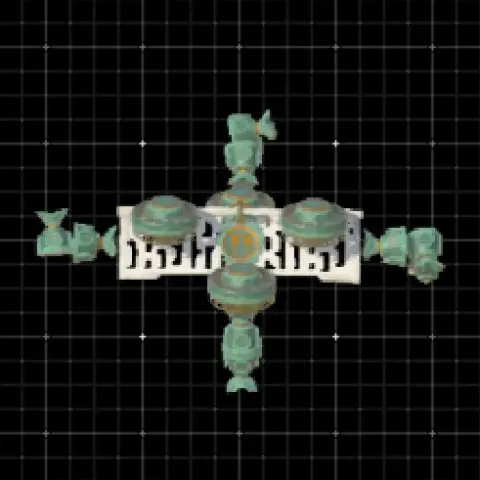
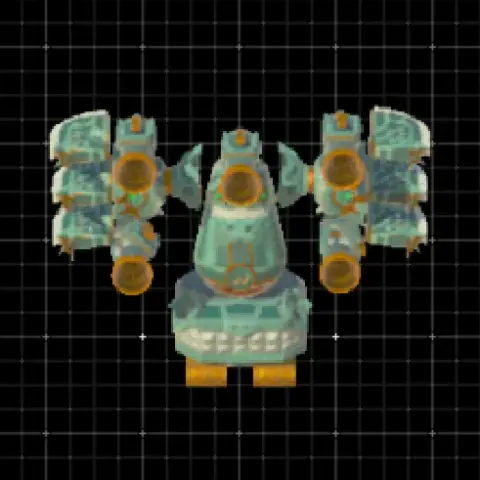
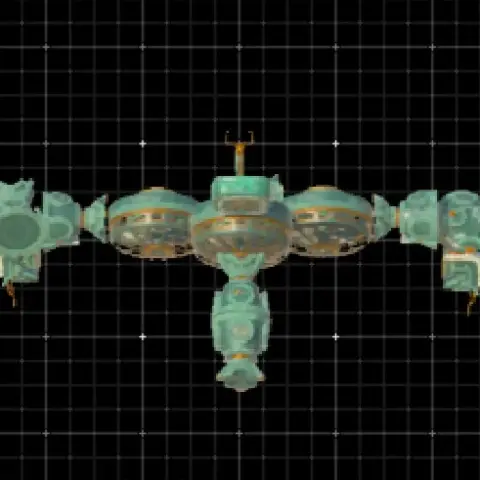
Easy setup to gain height. Autobuild the portable Skyview Tower and place it on the floor with the stake. Hop on and place Link right in the middle of the Hover Stone facing the three springs. His heels should touch the two springs in the back. Use a two-handed weapon or a spear to hit the build and go flying! Can take some time to find the sweet spot but really fun to get high up in the air quickly.
Comments