Zelda TOTK QR collection

The largest community collection of 1,009 AutoBuild QR codes for Zelda: Tears of the Kingdom. Scan any QR code with your phone and instantly build vehicles, flying machines, weapons and more in-game. Free to use, free to share.

ZONAIAWARDS
The Zonai Awards are here to celebrate the 1,000th QR code! Vote for the best TOTK builds of the year across 6 categories.
Vote now 🏆
Most popular tags :
#flying #weapon #pulse #vehicle +

Omnicycle Stinger Mk4-X8FF

63Zonaite cost 63

~Omnicycle Stinger Mk4-X8FF~

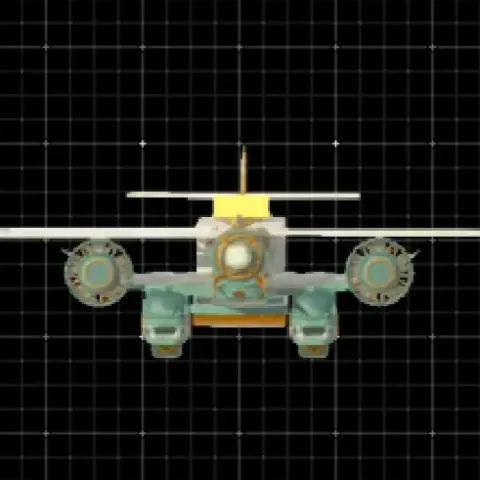
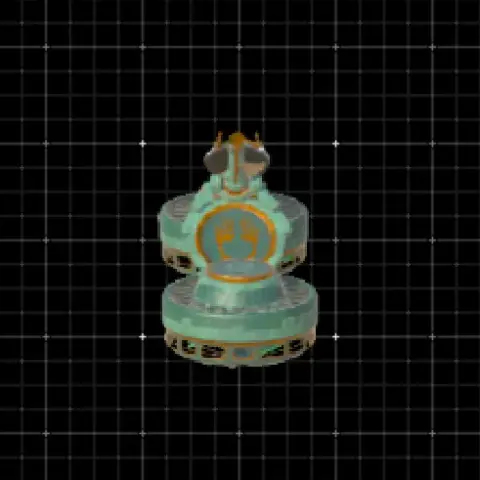
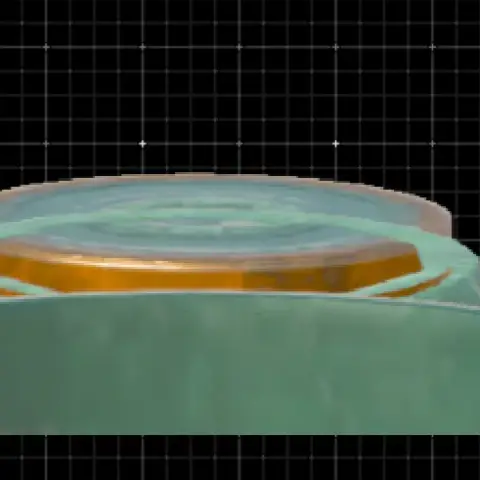
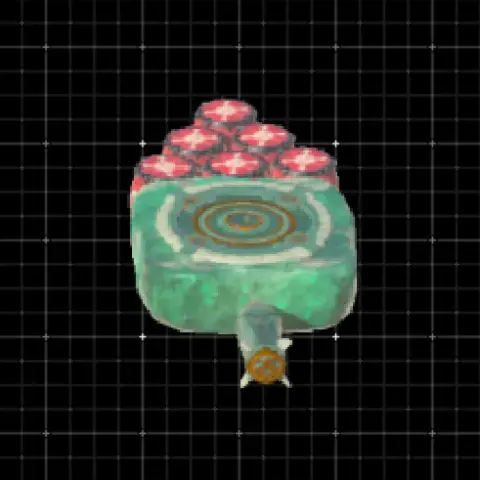
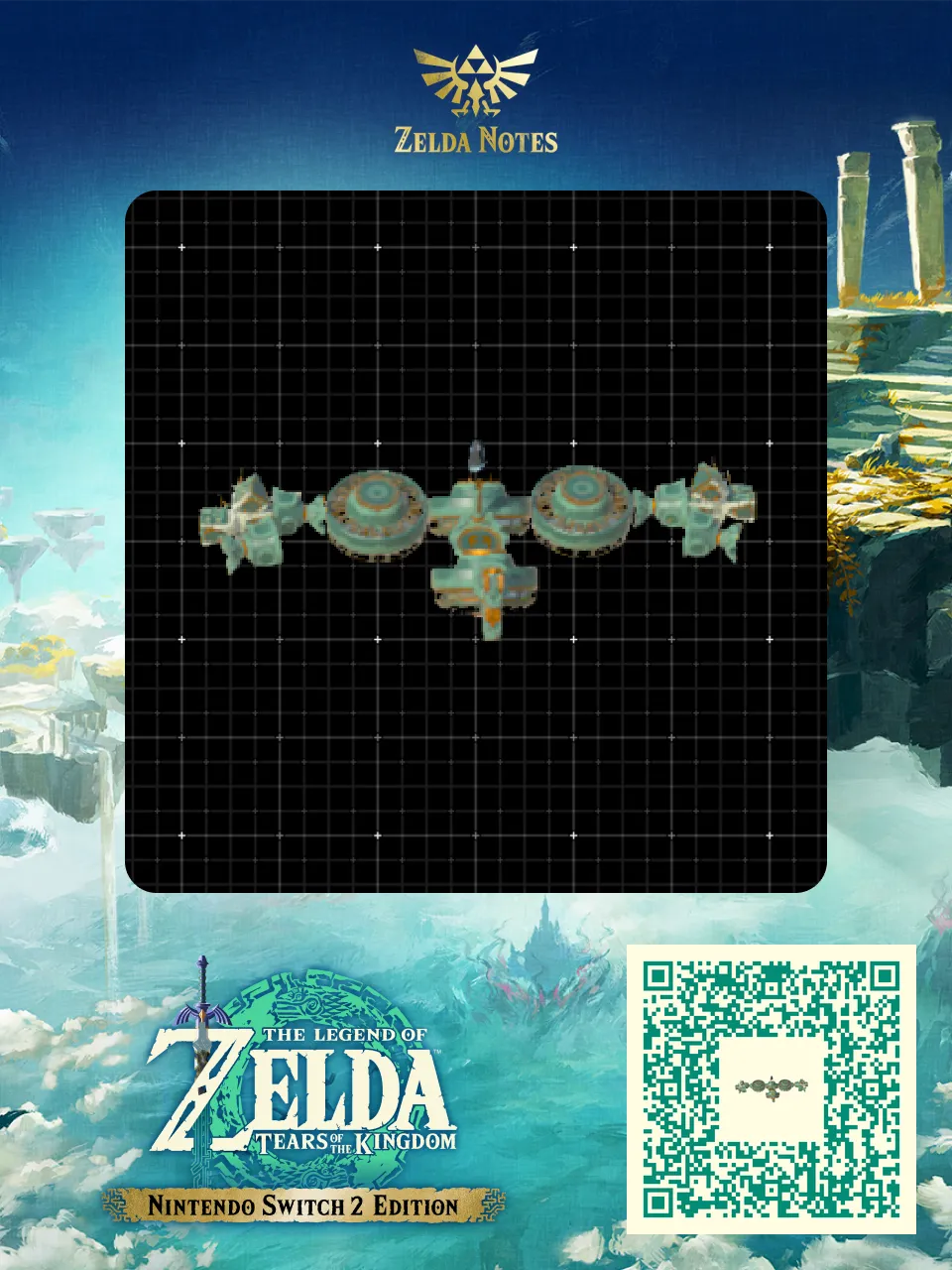
Four modded fans arranged to enable omnidirectional flight. Four pulsed beam emitters on each side, the tail has mini frost and frost emitters. Dragon part to prevent despawn and weight distribution.
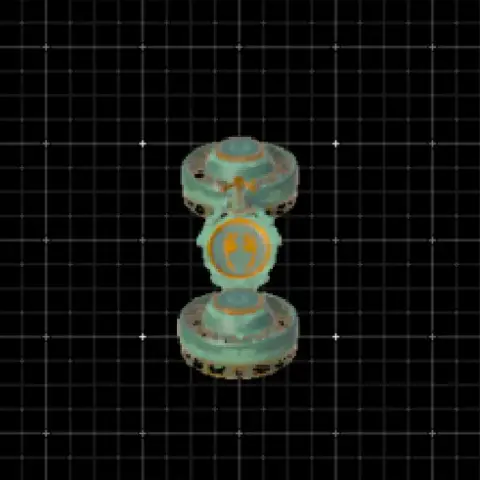
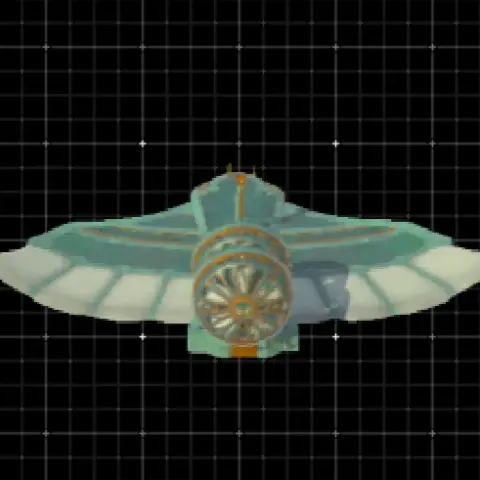
Click here to dive into the comments!

Omnicycle Stinger Mk4-X8FF - Zelda TOTK AutoBuild QR Code

Here is everything you need to recreate Omnicycle Stinger Mk4-X8FF in The Legend of Zelda: Tears of the Kingdom. This flying machine is shared by the community as a ready-to-use AutoBuild QR code, so you can scan it and rebuild it in seconds — no farming for Zonai devices and no trial and error. Below you will find the exact build cost, the tags that describe how it performs in Hyrule, and a step-by-step guide to scan it in game.

Build details

TypeFlying machine
Build cost63 Zonaite
TagsFlying, Pulse, Weapon
PublishedApril 2026

How to use this AutoBuild

This is a flying build. Once built, hop on and tilt forward to accelerate. Fly higher to avoid terrain and obstacles. Rebuild anytime with AutoBuild as long as you have enough Zonaite.

  1. Open the AutoBuild ability in Zelda: Tears of the Kingdom
  2. Scan the QR code above with the Zelda Notes feature in the official Nintendo Switch Online app
  3. Select the Omnicycle Stinger Mk4-X8FF blueprint and confirm the build (63 Zonaite)
23/04/2026 22:04:45