

 Français
 Español
 Deutsch
 Português
 Italiano
 한국어
한국어 日本語
日本語 中文
中文
Golden Condor II
by EgoLudus · 9 months ago · 👁 510 views
✓ QR downloaded Zelda games on cartridge →
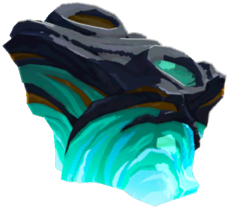 60 Zonaite Flying machine
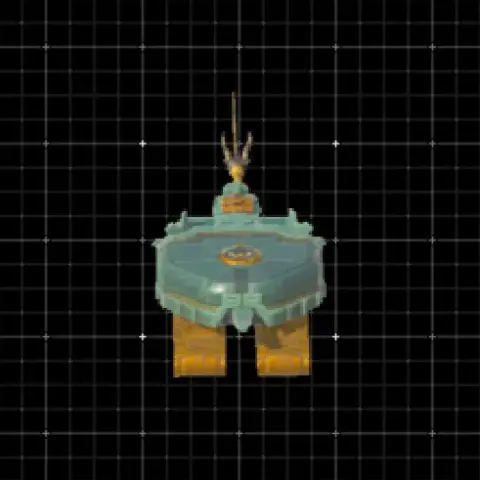
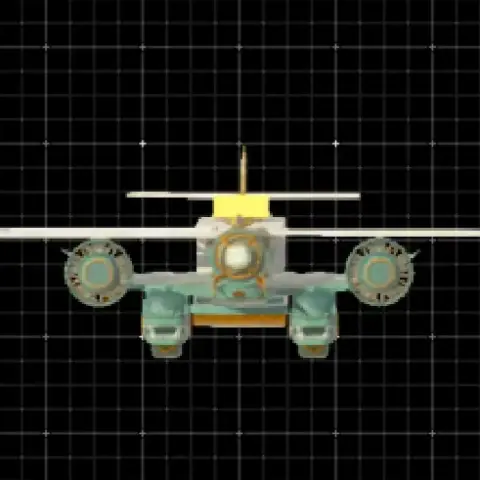
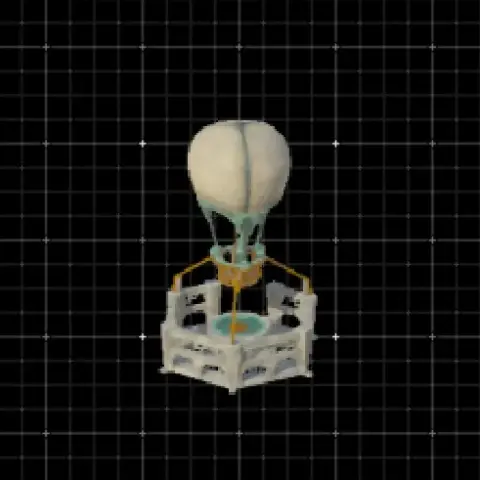
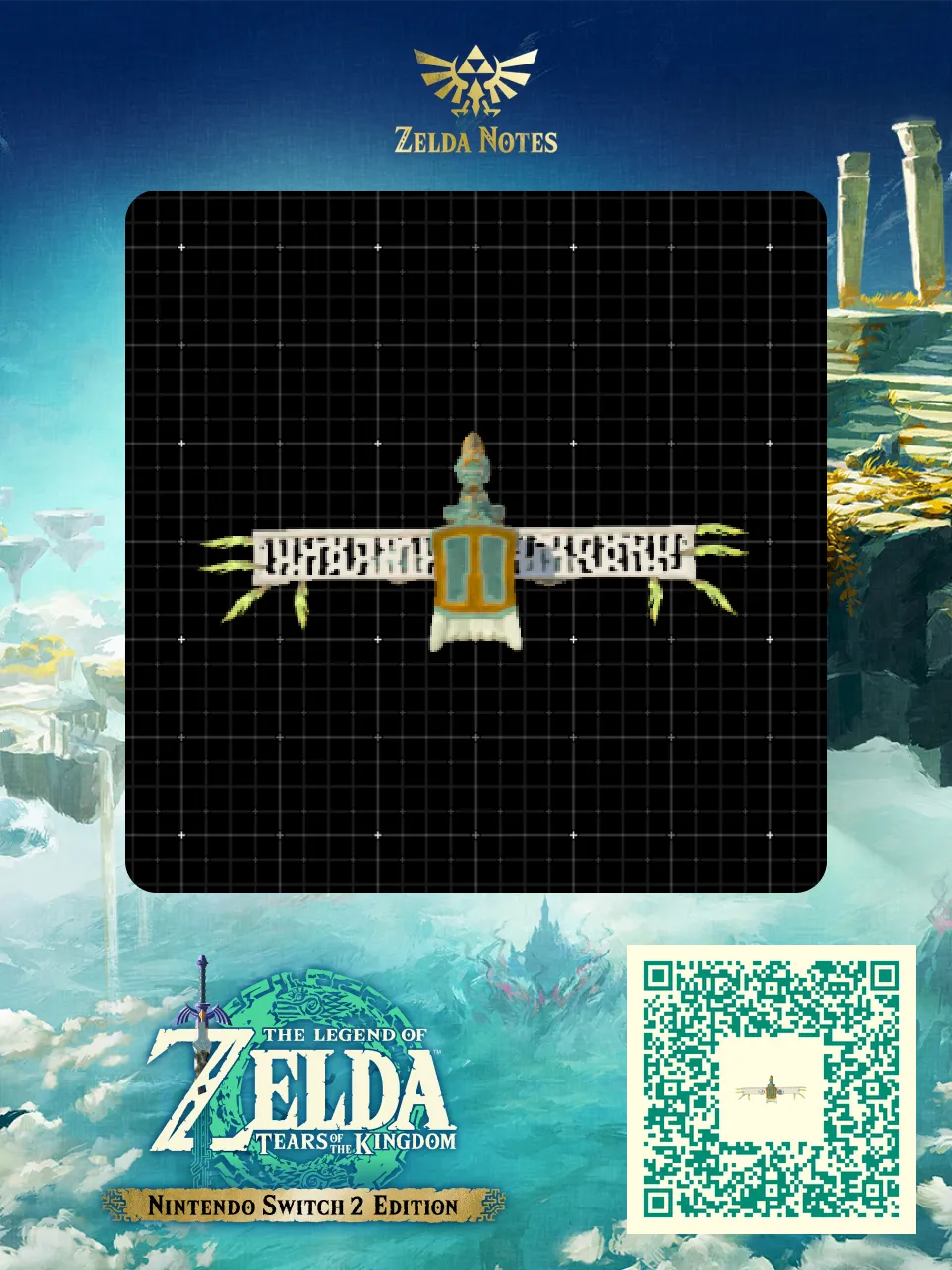
 Golden Condor inspired by 'The Mysterious Cities of Gold' anime. The Improved design uses more 'gold parts' to look closer to the series than version I. To save on zonaite (only 6 Zonaite with parts) and the achieve the best 'gold' aesthetics, use as many actual parts from your inventory as possible:
x1 Amber
x1 Royal Sheild
*x8 Farosh Horn
x5 Fans
x1 Construct Head
x1 Steering Stick
x1 Sled
x2 Gravity Rail (!not needed in inventory!)
*Dupe glitch I like to use: https://youtu.be/D6nZhuqd-E4?si=KiDU5yokV6VGD3CO
This drinks a lot of energy and is most recommended for players with maxed out Zonaite Armour Set and a maxed out Energy Cell.
Tips when using: fly until energy is almost maxed, land by being close to ground and 'pulling up' moments before energy depletes, recharge and go again - Enjoy!
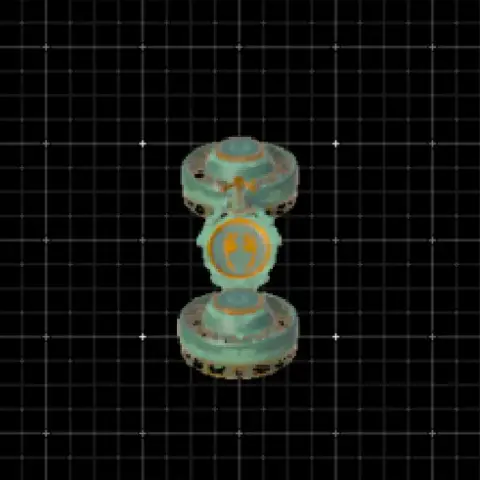

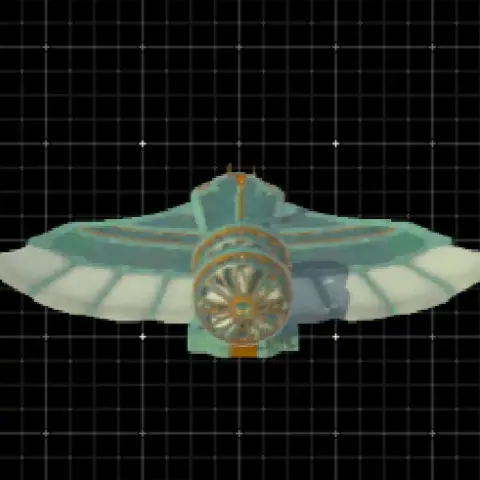

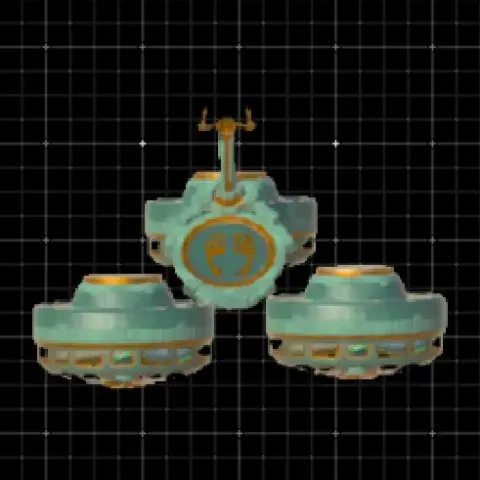
This is really cool!