

 Français
 Español
 Deutsch
 Português
 Italiano
 한국어
한국어 日本語
日本語 中文
中文
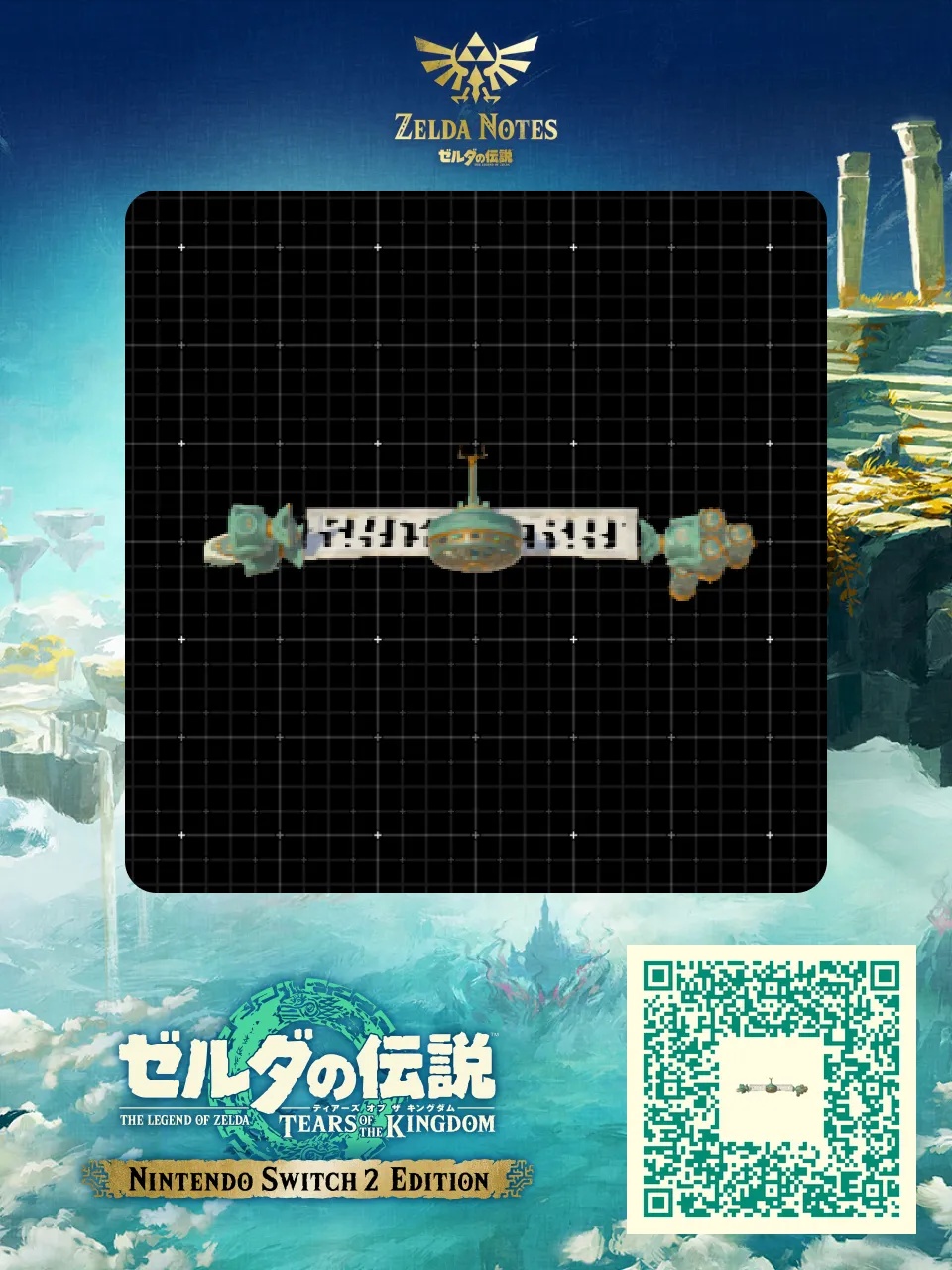
Attack-type 6-wheel hoverbike
by keke_play_ryt · 1 year ago · 👁 418 views
✓ QR downloaded Zelda games on cartridge →
Flying machine
Vidéo : https://www.youtube.com/watch?v=FXYhdZYY2MQ
by keke_play_ryt · 1 year ago · 👁 418 views
✓ QR downloadedZelda games on cartridge →
Vidéo : https://www.youtube.com/watch?v=FXYhdZYY2MQ
| Type | Flying machine |
|---|---|
| Shared by | keke_play_ryt |
| Tags | vehicle, flying, fight |
| Published | August 2025 |
| Views | 418 |
Once built, climb on and lean forward to gain speed. Fly high to clear terrain, and rebuild it with AutoBuild whenever it breaks.
Zelda games on cartridgeOcarina of Time returns on Switch 2: pre-order the boxed edition and keep your games for good.See the shop
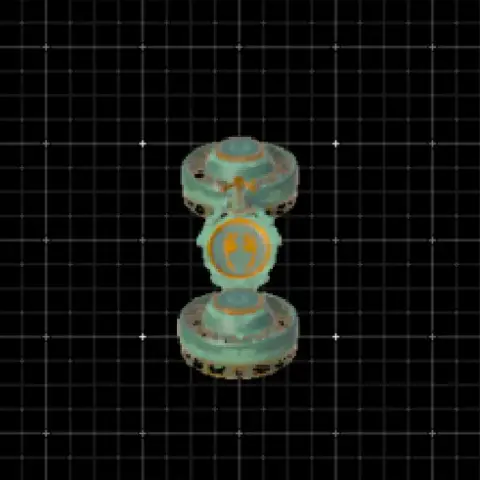
 9Old Faithful (Flying Bike)Built with 2 fans + 1 steering stick = pure freedom Fly over Hyrule like a boss, skip climbing, ignore gravity, and pretend stamina isn’t real. Perfect for travel, exploration, fl…
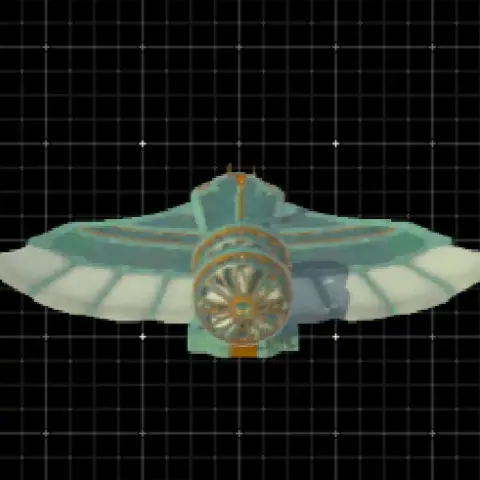 15Infinite WingConventionally this is impossible even with the infinite wing in your possession because the infinite status doesn't transfer to autobuilds, but THESE do! They were created with a…
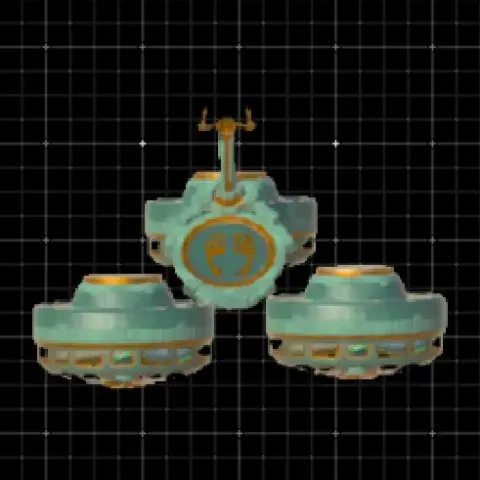 12Tri-BikeAllrounder for travel and transport of koroks and shrine crystals. Flies straight and cuts corners well.
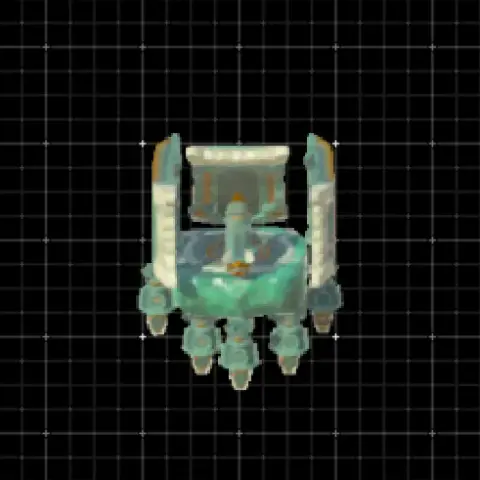 63Lynel SlayerFor everyone with a big battery but still struggling with Lynels! Get on it, hit the rocket and let the machine fly close to a Lynel. If you get to high just use Recall to set you…
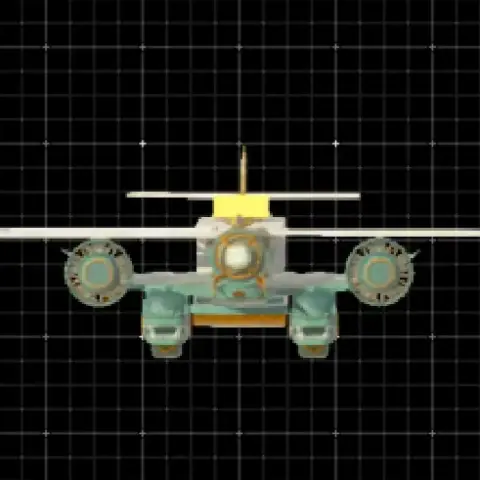 Atlas Unlimited: Prototype BVidéo and détail : https://www.reddit.com/r/HyruleEngineering/comments/1leo6b3/atlas_unlimited_z_edition/
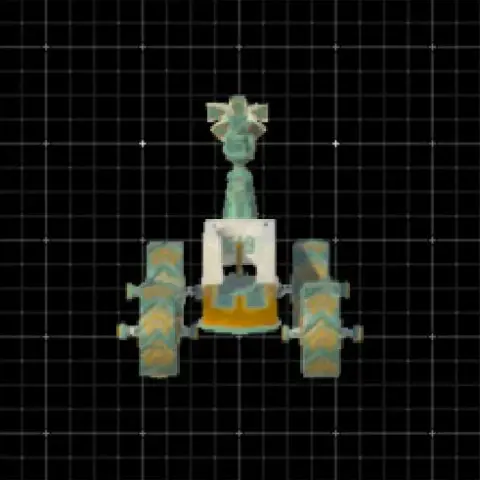 51Easy ATVOff-road 4-wheeler with protection for Link and a deadly turret, perfect for farming depths, works everywhere.
 12Non-despawning HoverbikeHoverbike that flies perfectly straight and has no problem descending either. It comes with the added bonus of not despawning when you move far enough away from it.
 18Eponator OneCheap and effectice way to travel the surface area. Works great on small to medium hills as well.
Comments