Zelda TOTK QR collection

The largest community collection of 1,091 AutoBuild QR codes for Zelda: Tears of the Kingdom. Scan any QR code with your phone and instantly build vehicles, flying machines, weapons and more in-game. Free to use, free to share.

Most popular tags :
#flying #weapon #pulse #vehicle +

Triwheel Transformer X2F-Homing

33Zonaite cost 33

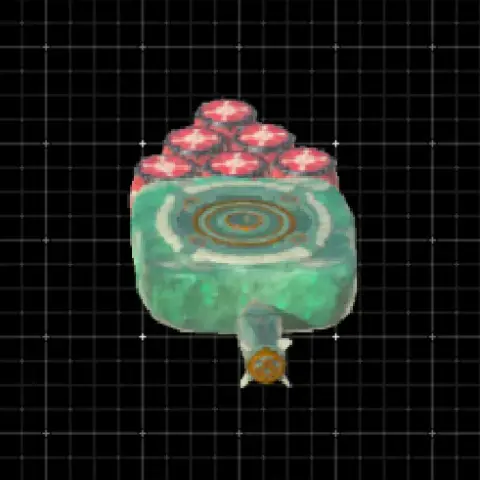
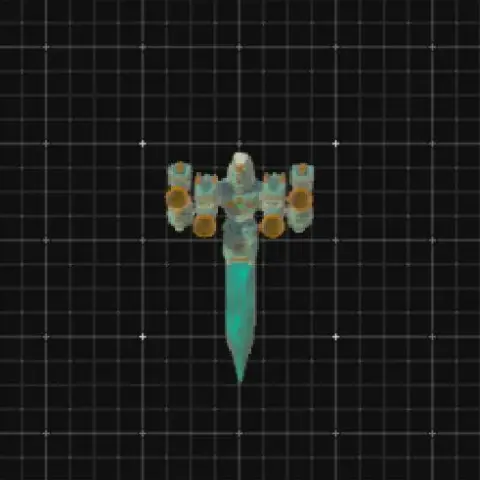
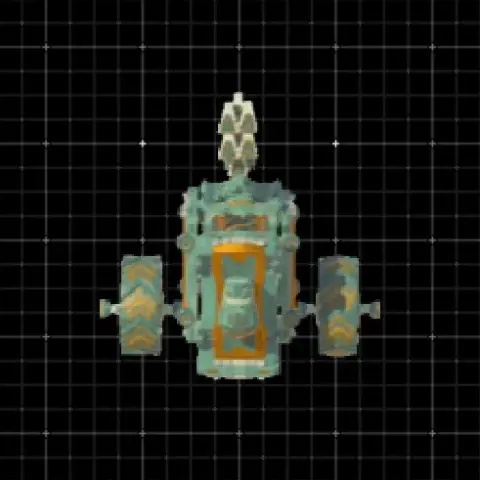
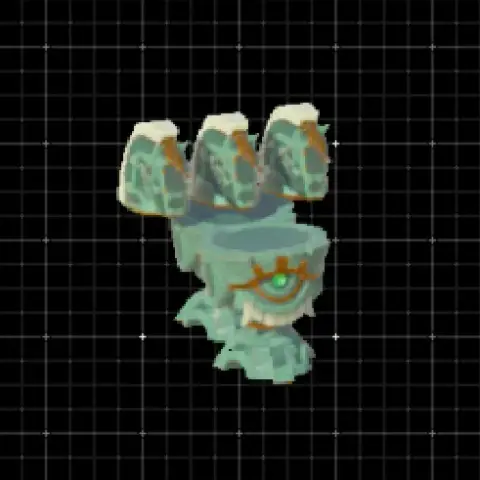
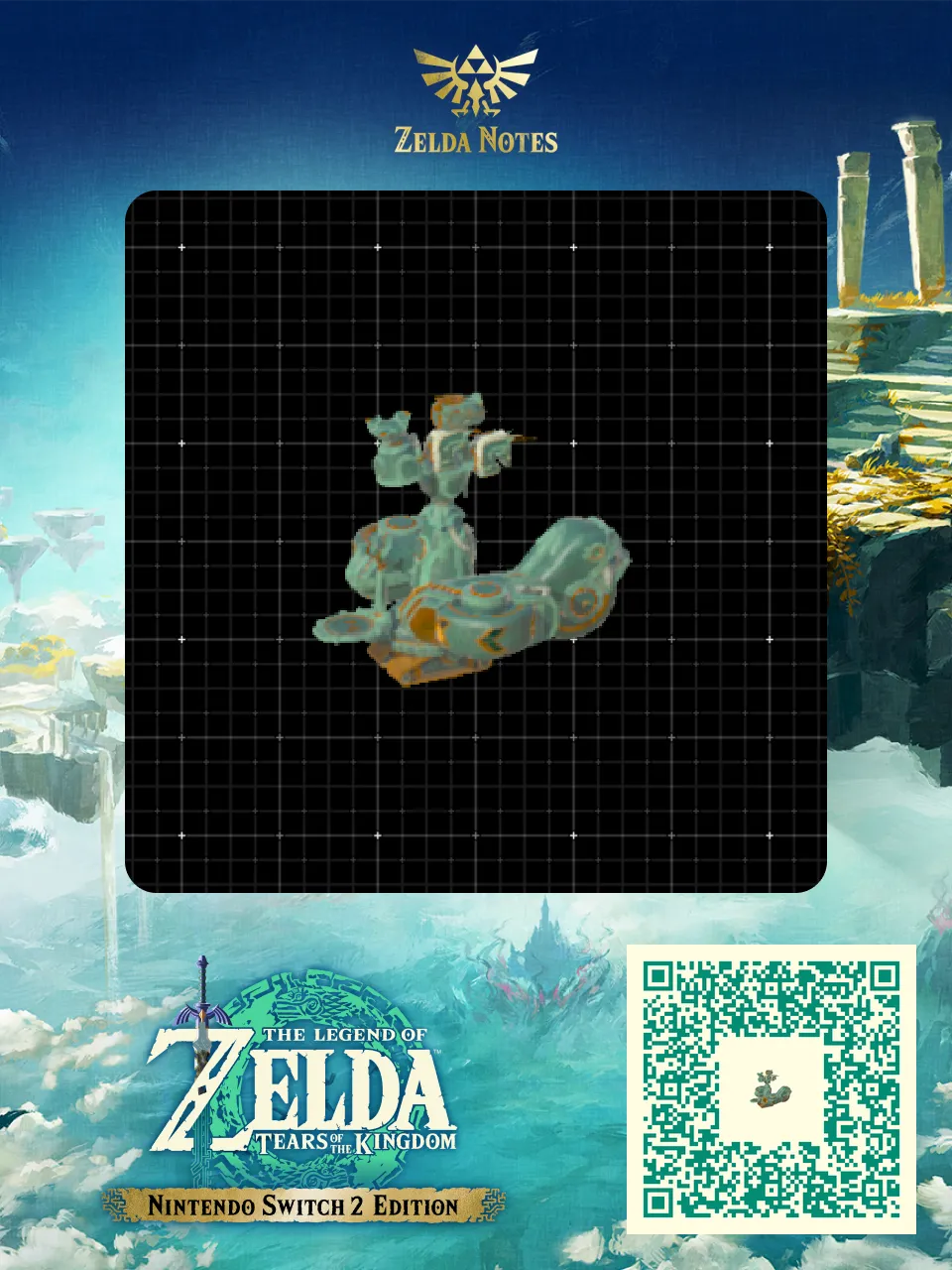
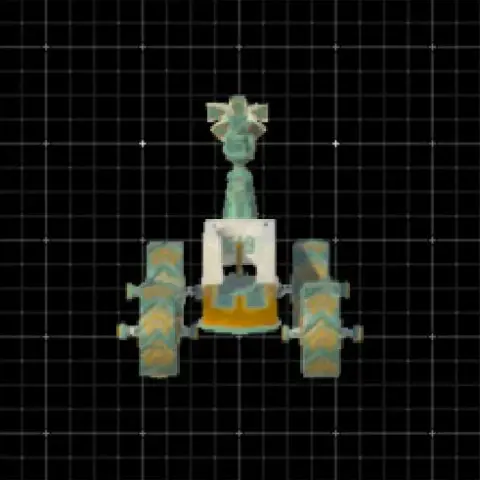
~Triwheel Transformer X2F-Homing~ A modular homing cart designed to convert into the Triwheel Transformer X2F-Transit. Uses 11 parts: 3 small wheels, 2 construct heads, 2 beam emitters, 1 frost emitter, 1 steering stick, 1 homing cart, and 1 stabilizer.Designed to convert back into the Transformer X2F-Transit using the same 10-parts but without the stabilizer.
Click here to dive into the comments!

Triwheel Transformer X2F-Homing - Zelda TOTK AutoBuild QR Code

Here is everything you need to recreate Triwheel Transformer X2F-Homing in The Legend of Zelda: Tears of the Kingdom. This weapon is shared by the community as a ready-to-use AutoBuild QR code, so you can scan it and rebuild it in seconds — no farming for Zonai devices and no trial and error. Below you will find the exact build cost, the tags that describe how it performs in Hyrule, and a step-by-step guide to scan it in game.

Build details

TypeWeapon
Build cost33 Zonaite
TagsPulse, Weapon, Autonomous, Transform
PublishedMay 2026

How to use this AutoBuild

This is a weapon build. Attach it to your arsenal for extra firepower. Pair it with elemental effects for maximum damage output.

  1. Open the AutoBuild ability in Zelda: Tears of the Kingdom
  2. Scan the QR code above with the Zelda Notes feature in the official Nintendo Switch Online app
  3. Select the Triwheel Transformer X2F-Homing blueprint and confirm the build (33 Zonaite)
16/05/2026 11:05:17 Modified : 16/05/2026 11:05:20