Zelda TOTK QR collection

The largest community collection of 1,091 AutoBuild QR codes for Zelda: Tears of the Kingdom. Scan any QR code with your phone and instantly build vehicles, flying machines, weapons and more in-game. Free to use, free to share.

Most popular tags :
#flying #weapon #pulse #vehicle +

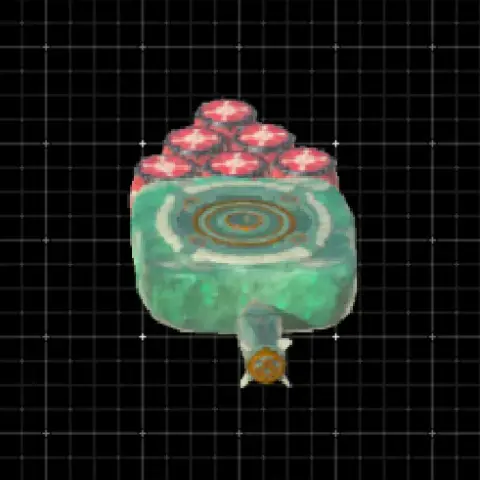
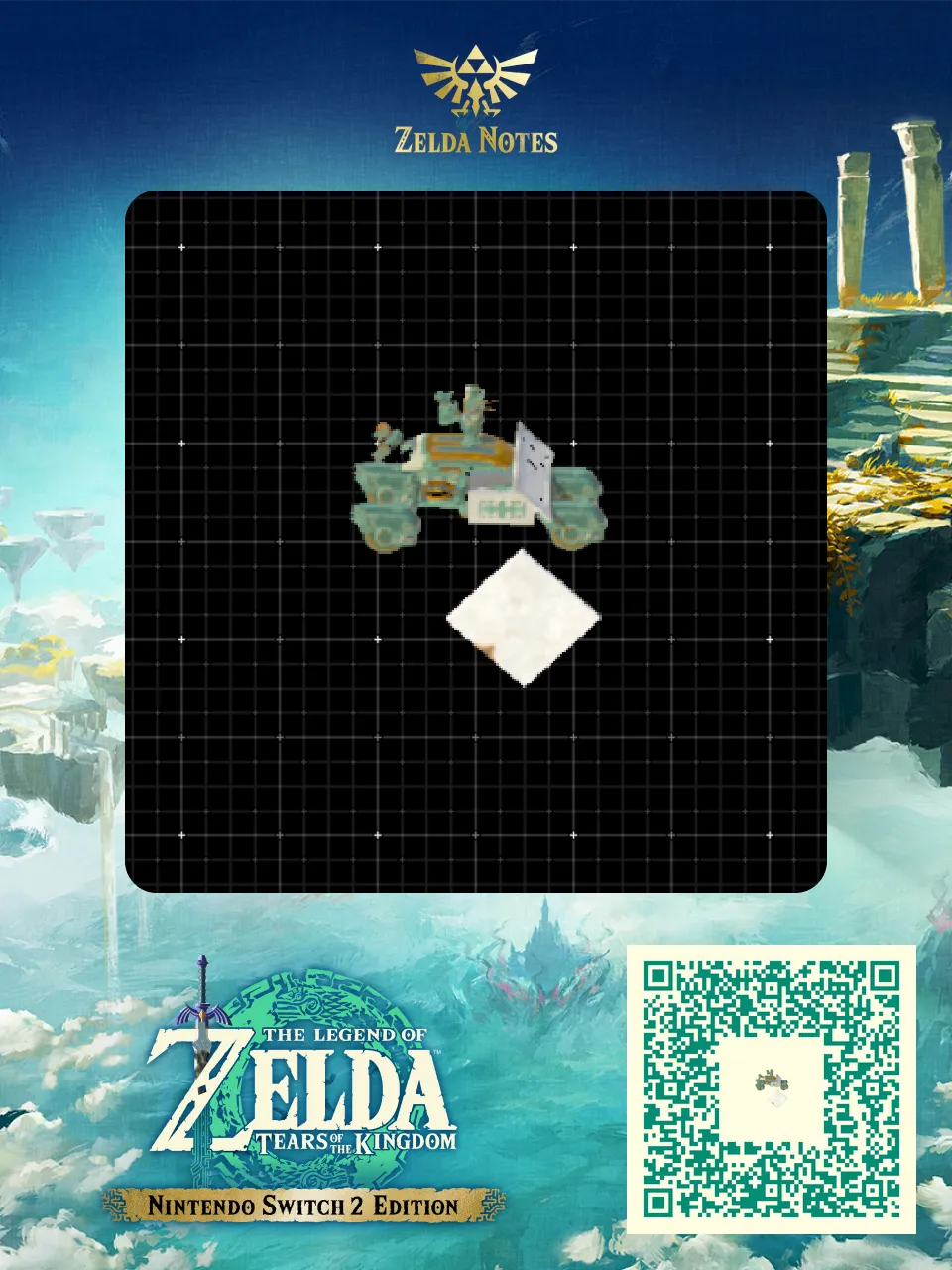
Armored Roadster W-X5FF

63Zonaite cost 63

~Armored Roadster W-X5FF~

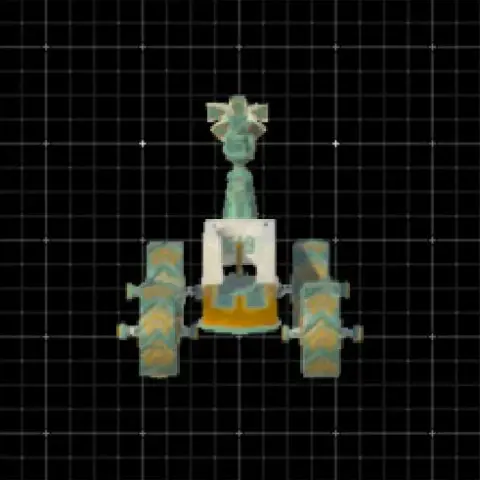
Four small wheels, U block, steering stick with stake nudged slab weight for extra stability, spring with sled as a roof, elevator rail for the windshield. Dragon part to prevent despawn. Five pulsed beam emitters on top and mini frost and fire emitters on the back.

Activating the steering stick raises or lowers the spring. Link can get in and out even if it’s lowered.
Click here to dive into the comments!

Armored Roadster W-X5FF - Zelda TOTK AutoBuild QR Code

Here is everything you need to recreate Armored Roadster W-X5FF in The Legend of Zelda: Tears of the Kingdom. This weapon is shared by the community as a ready-to-use AutoBuild QR code, so you can scan it and rebuild it in seconds — no farming for Zonai devices and no trial and error. Below you will find the exact build cost, the tags that describe how it performs in Hyrule, and a step-by-step guide to scan it in game.

Build details

TypeWeapon
Build cost63 Zonaite
TagsTransport, Pulse, Weapon
PublishedMay 2026

How to use this AutoBuild

This is a weapon build. Attach it to your arsenal for extra firepower. Pair it with elemental effects for maximum damage output.

  1. Open the AutoBuild ability in Zelda: Tears of the Kingdom
  2. Scan the QR code above with the Zelda Notes feature in the official Nintendo Switch Online app
  3. Select the Armored Roadster W-X5FF blueprint and confirm the build (63 Zonaite)
11/05/2026 18:05:59