

 Français
 Español
 Deutsch
 Português
 Italiano
 한국어
한국어 日本語
日本語 中文
中文
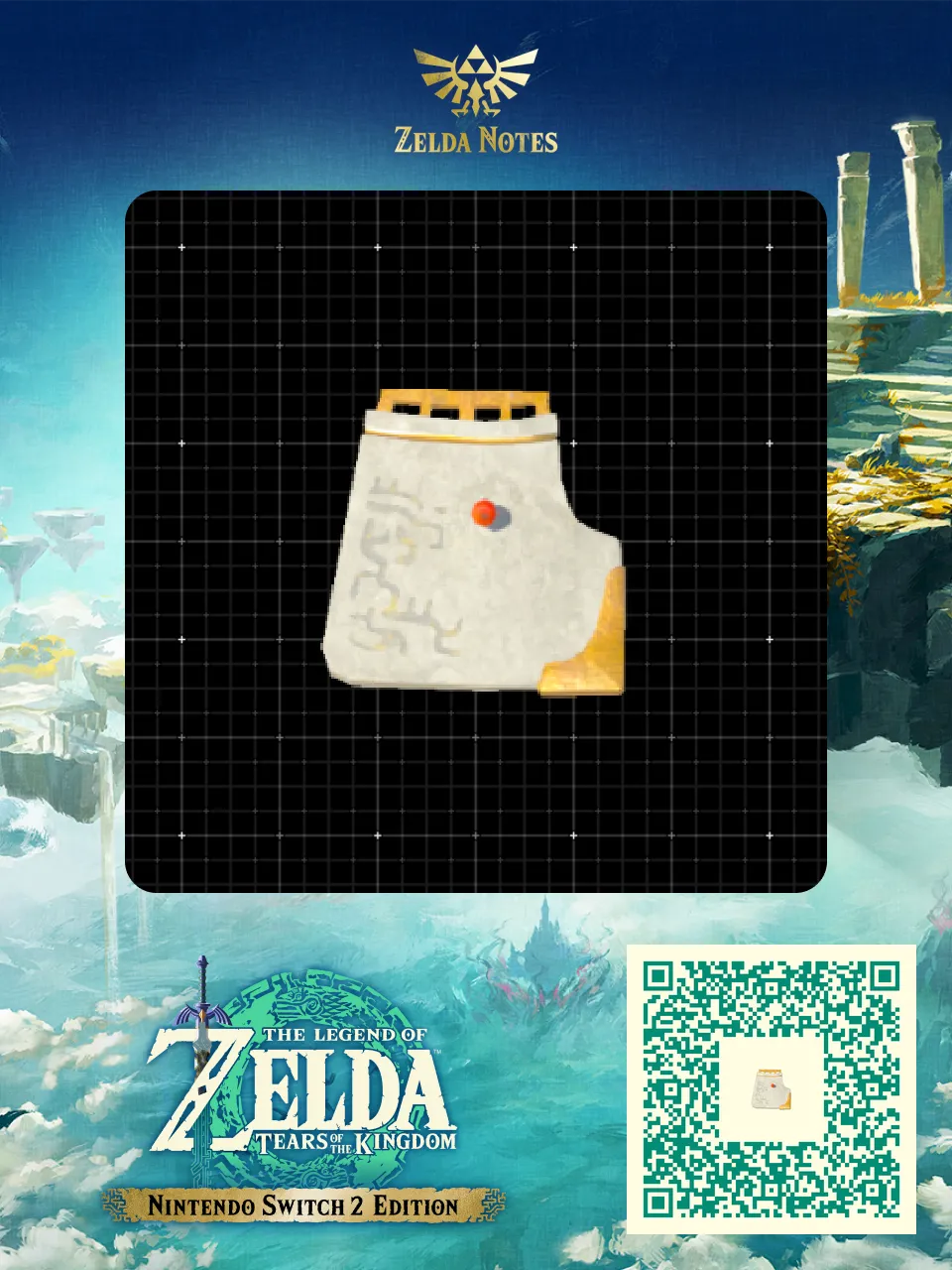
Fan Blade (Wing / Airfoil)
by Item Repository · 1 year ago · 👁 280 views
✓ QR downloaded Zelda games on cartridge →
 3 Zonaite
 This fan blade has special stabilizing properties and is blown easily by wind Item Repository
by Item Repository · 1 year ago · 👁 280 views
✓ QR downloadedZelda games on cartridge →
3 Zonaite This fan blade has special stabilizing properties and is blown easily by wind Item Repository
| Build cost | 3 Zonaite |
|---|---|
| Shared by | Item Repository |
| Tags | item, object, wind, stabilizer |
| Published | June 2025 |
| Updated | June 2025 |
| Views | 280 |
Zelda games on cartridgeOcarina of Time returns on Switch 2: pre-order the boxed edition and keep your games for good.See the shop
 Link’s Headed to SpaceVideo : https://www.reddit.com/r/HyruleEngineering/comments/1lzxjc7/links_headed_to_space/ Space work. I was playing around with some odd parts like giant heavy mirrors and the ge…
 12 most useful shrine-stolen clipping objectsThese were all stolen from shrines using the recall-lock method. None of these are modded. Video : https://www.reddit.com/r/HyruleEngineering/comments/1lbfres/my_12_most_useful_sh…
 3Marbled Gohma BoulderGreat for crushing enemies, and flies very fast Item Repository
 3BoatIndividually wrapped boat for building Item Repository
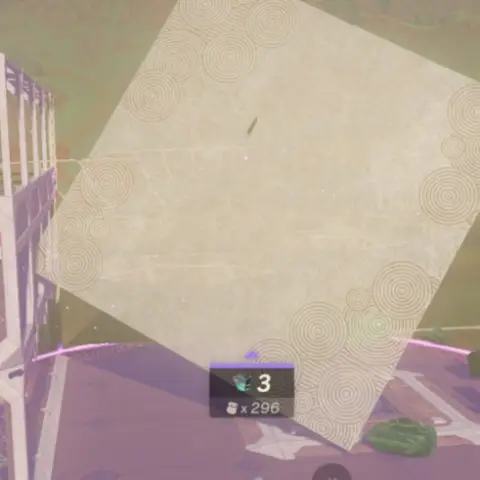 3Giant SlabThis is a giant, extremely heavy slab. Great for crushing foes. Cannot climb. Item Repository
 3Depths ElevatorBouncy floaty part from the depths, individually wrapped for convenience Item Repository
 3Elevator railBasic elevator rail for builds Item Repository
 45Brightbloom Seed PickerPicks up to 16 Brightbloom Seeds
Comments