

 Français
 Español
 Deutsch
 Português
 Italiano
 한국어
한국어 日本語
日本語 中文
中文
Smooth Landing
by chocrab_1226 · 1 year ago · 👁 255 views
✓ QR downloaded Zelda games on cartridge →
 9 Zonaite
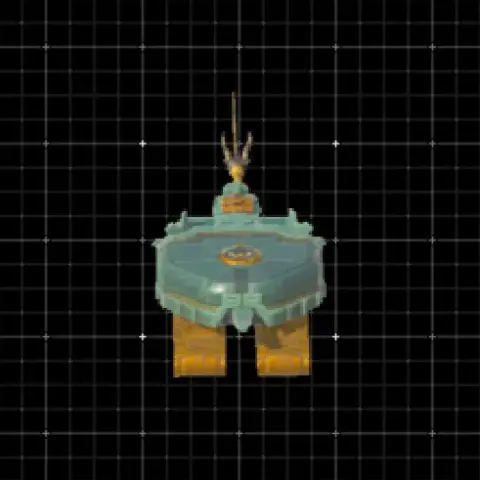
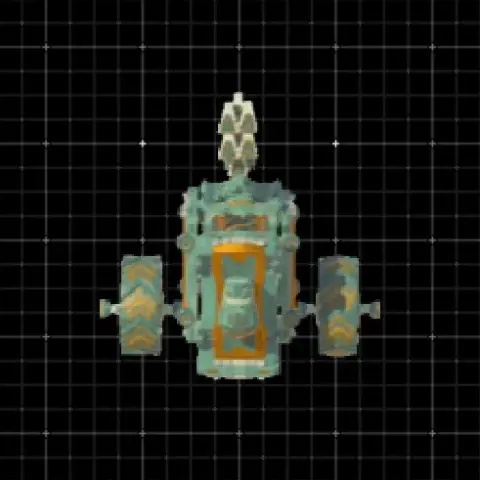
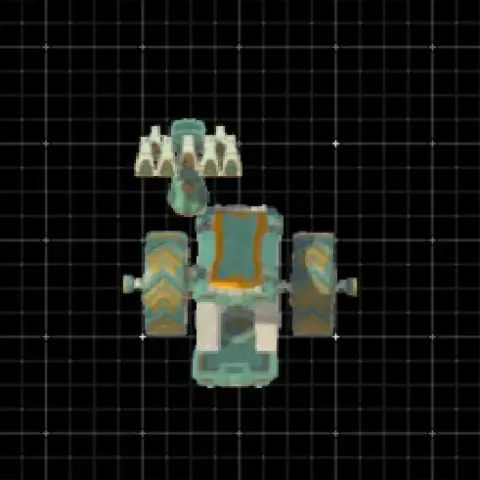
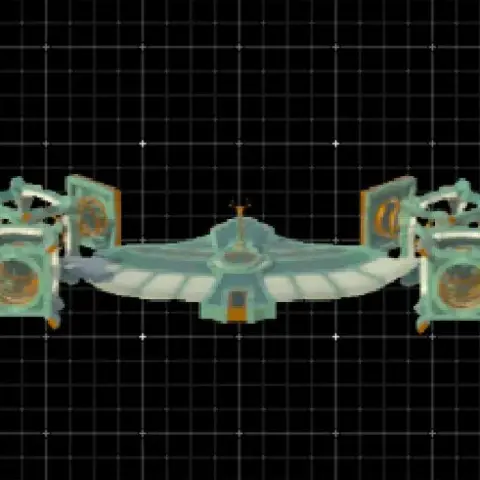
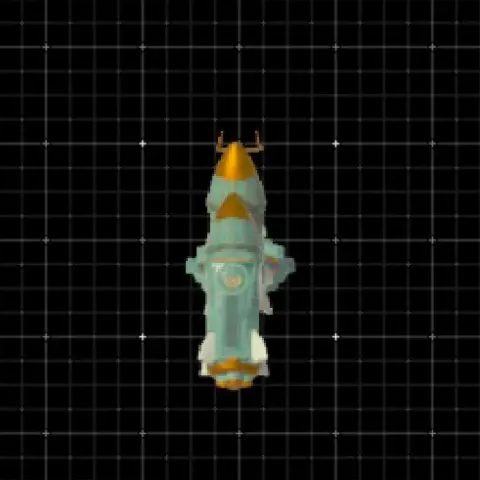
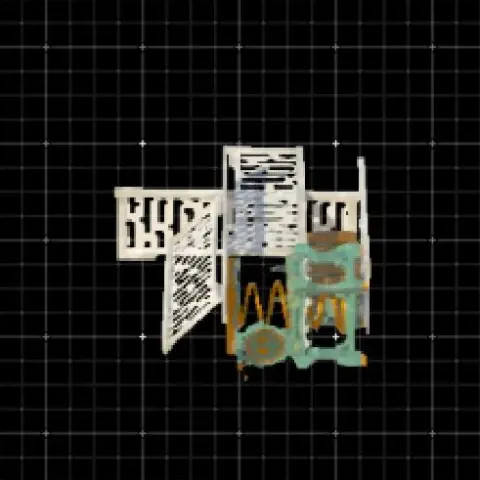
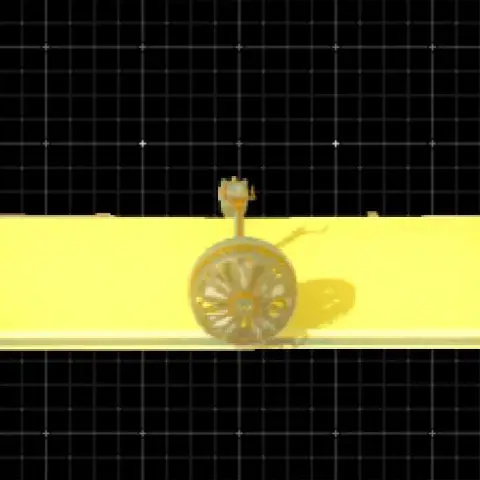
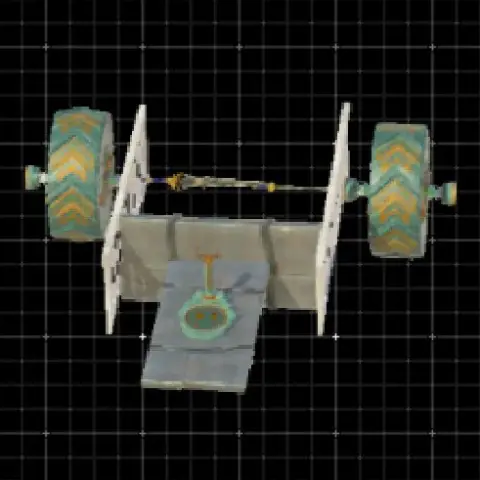
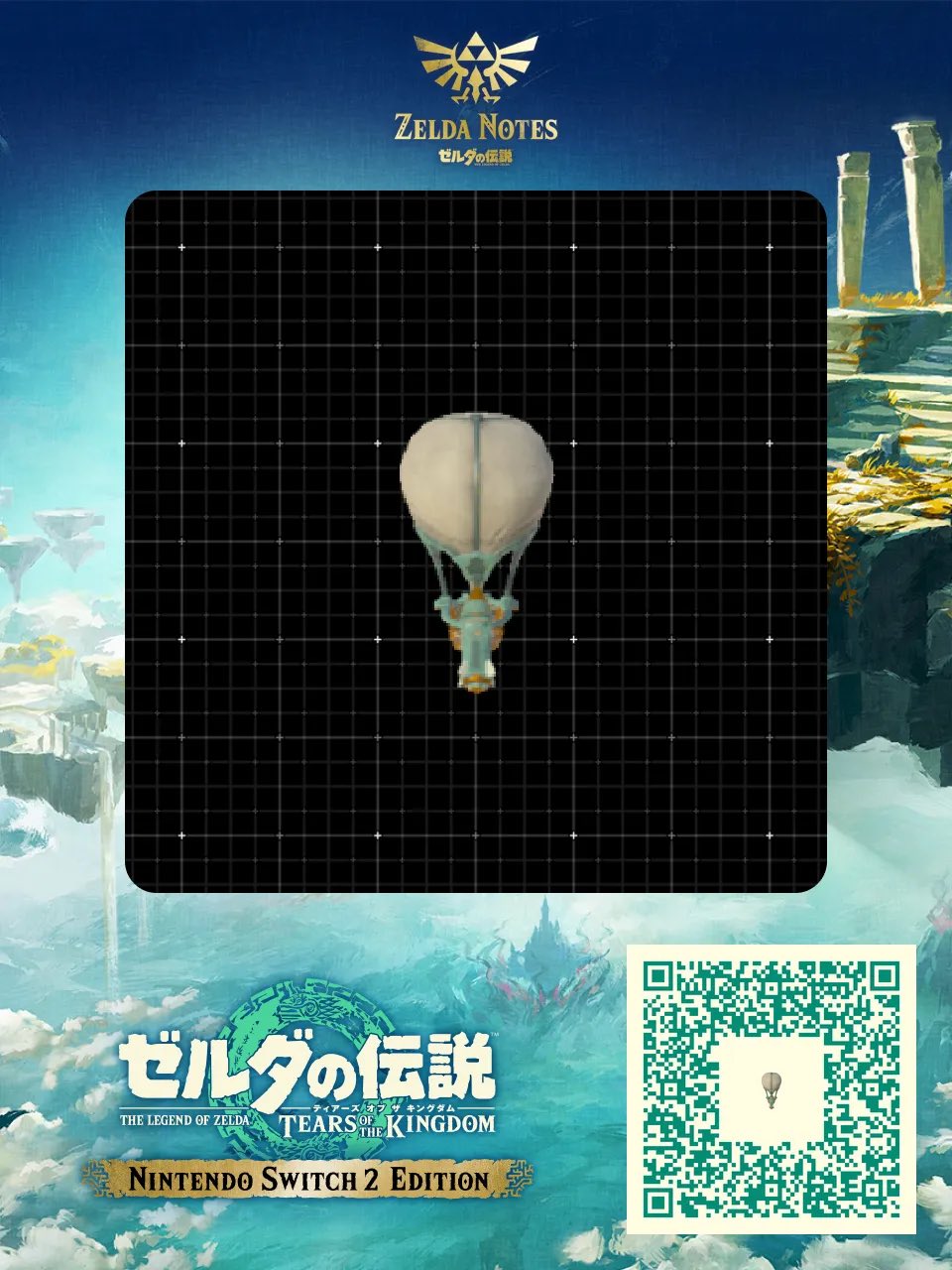
 Video : https://x.com/chocrab_1226/status/1934958614969774124 This one offers more stability on startup; honestly, you won't even be troubled if you don't accelerate it, though you can if you want. However, accelerating this one takes a bit of practice, and if you accidentally grab the control stick at top speed, Link will wobble and fall off. So, if you're looking for blazing-fast acceleration, I'd recommend the former (the previous design).
Comments