#volant#arme#pulse#véhicule#transport#zhujzal#fun#amphibie#infini#transformable#bateau#rapide

Chansons d'ocarina pour Zelda Notes

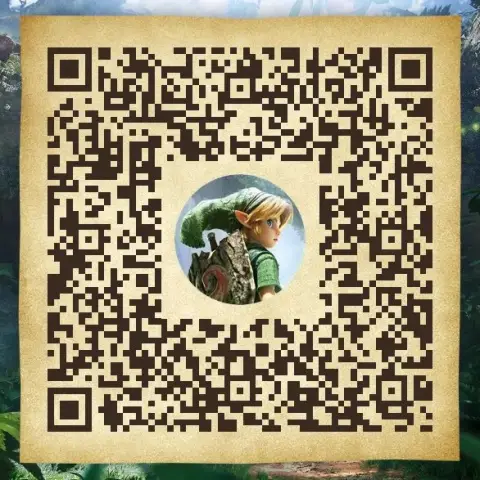
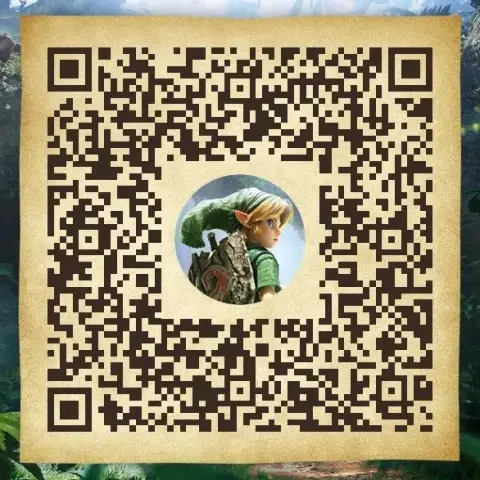
Des partitions composées par les joueurs dans Zelda Notes pour Zelda: Ocarina of Time : 2 chansons pour l'instant. Scannez un QR code pour ajouter la partition à votre appli, puis jouez-la vous-même à l'ocarina.

2 partitions partagées 0 avec leurs notes écrites 2 ce mois-ci

Share an Ocarina song QR Ocarina Song QR Codes →

Dernières partitions

Tout voir →

Genres de chansons populaires

Jouer une partition de ce site

  1. Open Zelda Notes in the Nintendo Switch App, then Ocarina of Time.
  2. Scan this QR code to add the song.
  3. Play it with the ocarina in Play Ocarina.

🎵 Les 12 mélodies : touches Switch 2 →

Lire les notes

Un QR code ne contient qu'un lien vers la partition, pas la mélodie. Quand l'auteur saisit les notes, elles s'affichent sur la page avec les cinq touches du remake Switch 2 :

L L (ré grave)R R (fa)A A (la)Y Y (si)X X (ré aigu)

Partager votre chanson

  1. On your phone, open the Nintendo Switch App → Zelda Notes → Ocarina of Time → Play Ocarina.
  2. Open the song you composed and create its QR code.
  3. Save the QR code image (or take a screenshot of the whole card).
  4. Upload that image below. Keep the whole Zelda Notes card: that is what looks best on the site.

Share an Ocarina song QR →

Questions fréquentes

Peut-on voir les notes d'une chanson avant de la scanner ?

Seulement si son auteur les a écrites en la partageant : elles s'affichent alors sous le titre. 0 des 2 partitions les ont.

Peut-on écouter une chanson sur le site ?

Non, et c'est voulu : scannez le QR et jouez-la à l'ocarina dans le jeu, c'est ça le plaisir.

C'est gratuit ?

Oui. Les partitions sont partagées par les joueurs, et Zelda Notes fait partie de la Nintendo Switch App, gratuite.