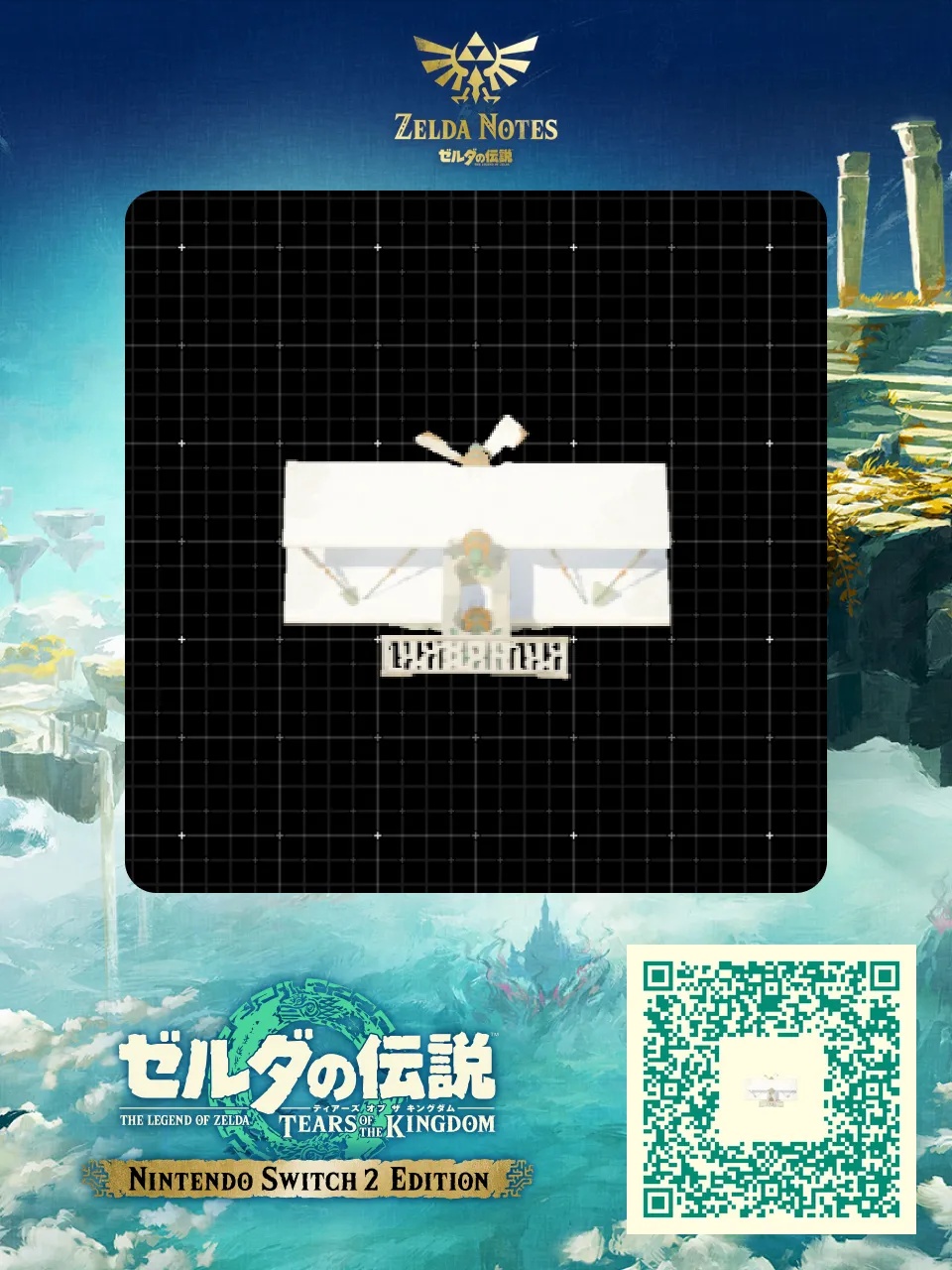
#volant#arme#pulse#véhicule#transport#zhujzal#fun#amphibie#transformable#bateau#infini#rapide
Swordfish Third edition - QR code AutoBuild Zelda TOTK

Swordfish Third edition

par keke_play_ryt · il y a 1 an · 👁 456 vues

Zonaite60 Zonaite Machine volante

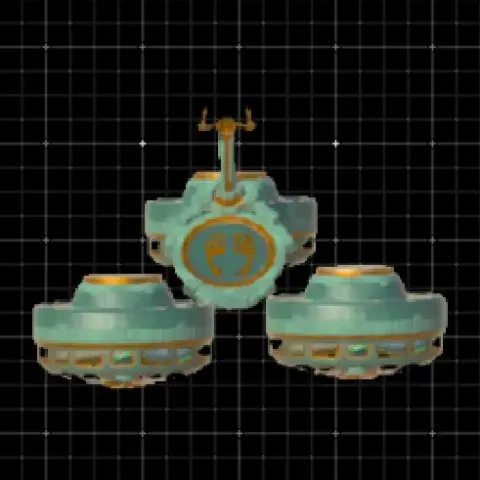
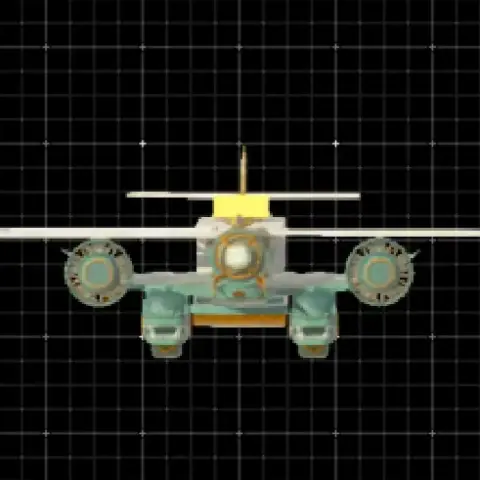
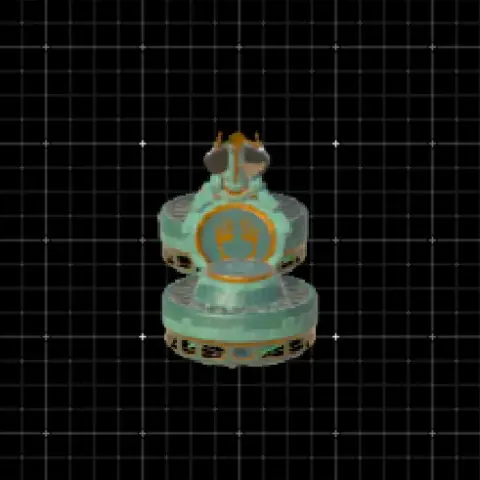
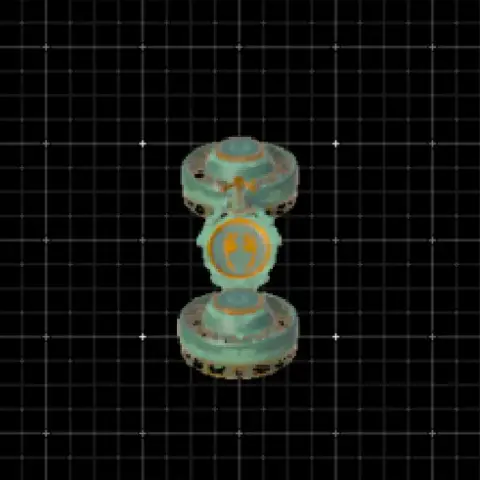
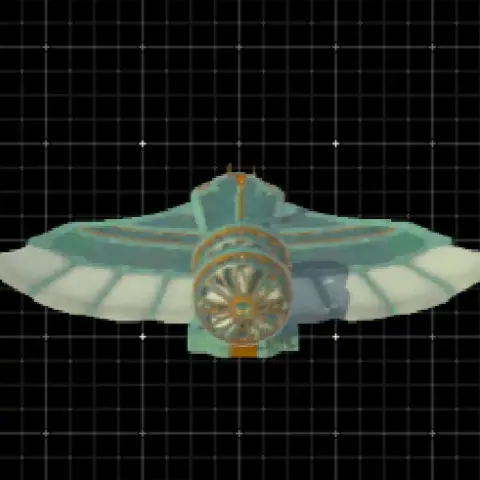
Video : https://www.youtube.com/watch?v=7cwsQCekVS8 This time, we will be the third installment of the QR distribution build, and the QR distribution video. The third installment will be built with the image of Swordfish. Since no glitches are used in reproduction, it is designed to be usable by anyone. Please take a look at it as one of the elements that you need to play.
✏️ Modifier

Détails du build

TypeMachine volante
Coût60 Zonaite
Partagé parkeke_play_ryt
Tagskeke_play_ryt, avion, volant
Publiéjuin 2025
Mis à jourjuin 2025
Vues456

Comment utiliser cet AutoBuild

Une fois construit, montez dessus et penchez-vous en avant pour prendre de la vitesse. Volez haut pour éviter le relief, et reconstruisez-le avec l'AutoBuild s'il casse.

  1. Ouvrez la capacité AutoBuild dans Zelda: Tears of the Kingdom.
  2. Scannez le QR code avec Zelda Notes dans l'application Nintendo Switch Online.
  3. Choisissez le plan Swordfish Third edition et validez la construction (60 Zonaite).
Les jeux Zelda en cartoucheOcarina of Time revient sur Switch 2 : précommandez la version en boîte et gardez vos jeux pour de bon.Voir la boutique

Commentaires

Vous aimerez aussi